Find the next story
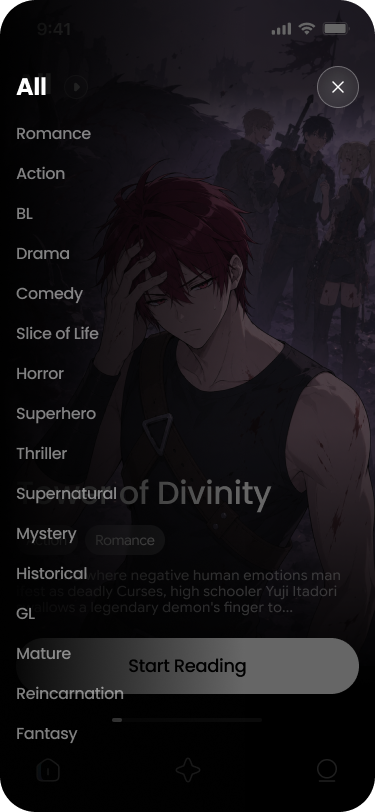
Move through categories and full-screen cards instead of scrolling through a cluttered feed.
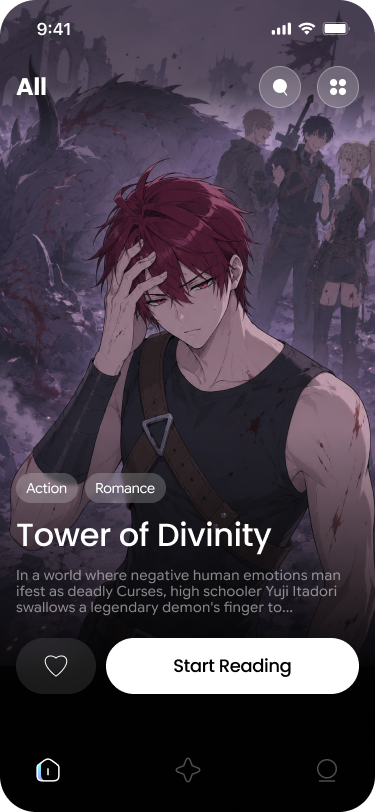
Manga reading, organized
A whole manga bookshelf in your pocket.
Browse new categories, keep every favorite within reach, and switch straight into full-screen reading without losing your place.
Reader flow
ShonenManga keeps the path from discovery to reading short, so the next chapter feels like one tap away.
Move through categories and full-screen cards instead of scrolling through a cluttered feed.
Save the series you care about so your shelf reflects what you are reading now and what is next.
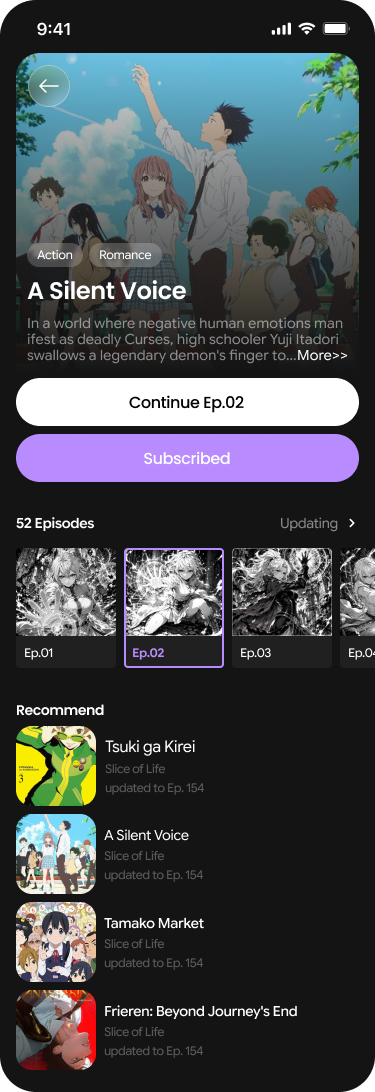
Open a detail page and continue into a focused reading view built around the page itself.
Interface tour
Explore the same views you will use every day: a quick category switch, a readable bookshelf, and a detail page made for the story.
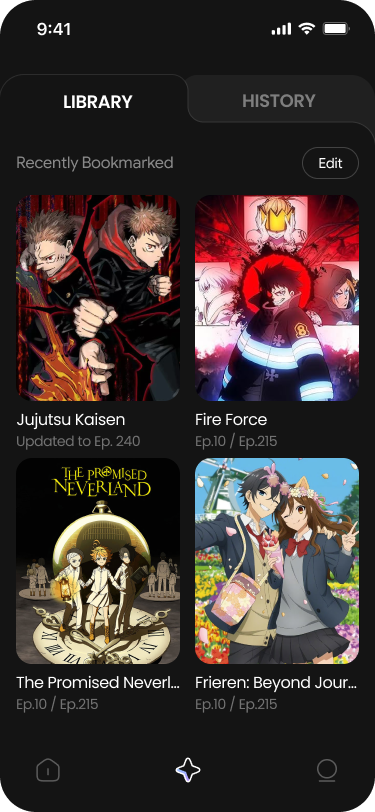
Built around you
ShonenManga gives you a clean place to keep series in order and return to the chapter that matters.
Inside the app
From the first category to the last page, the screens keep the story in front of you.

Reach the support team directly if you need help getting ShonenManga or have a question about the app.